
Investly is an investing app that allows you to invest through guided investing. By asking you a few questions and matching you to a portfolio, we take care of time-consuming tasks like buying, finding, and managing your investments. Download Investly from the App Store and Play Store.
How to open your Investly account
Start building your future in minutes.
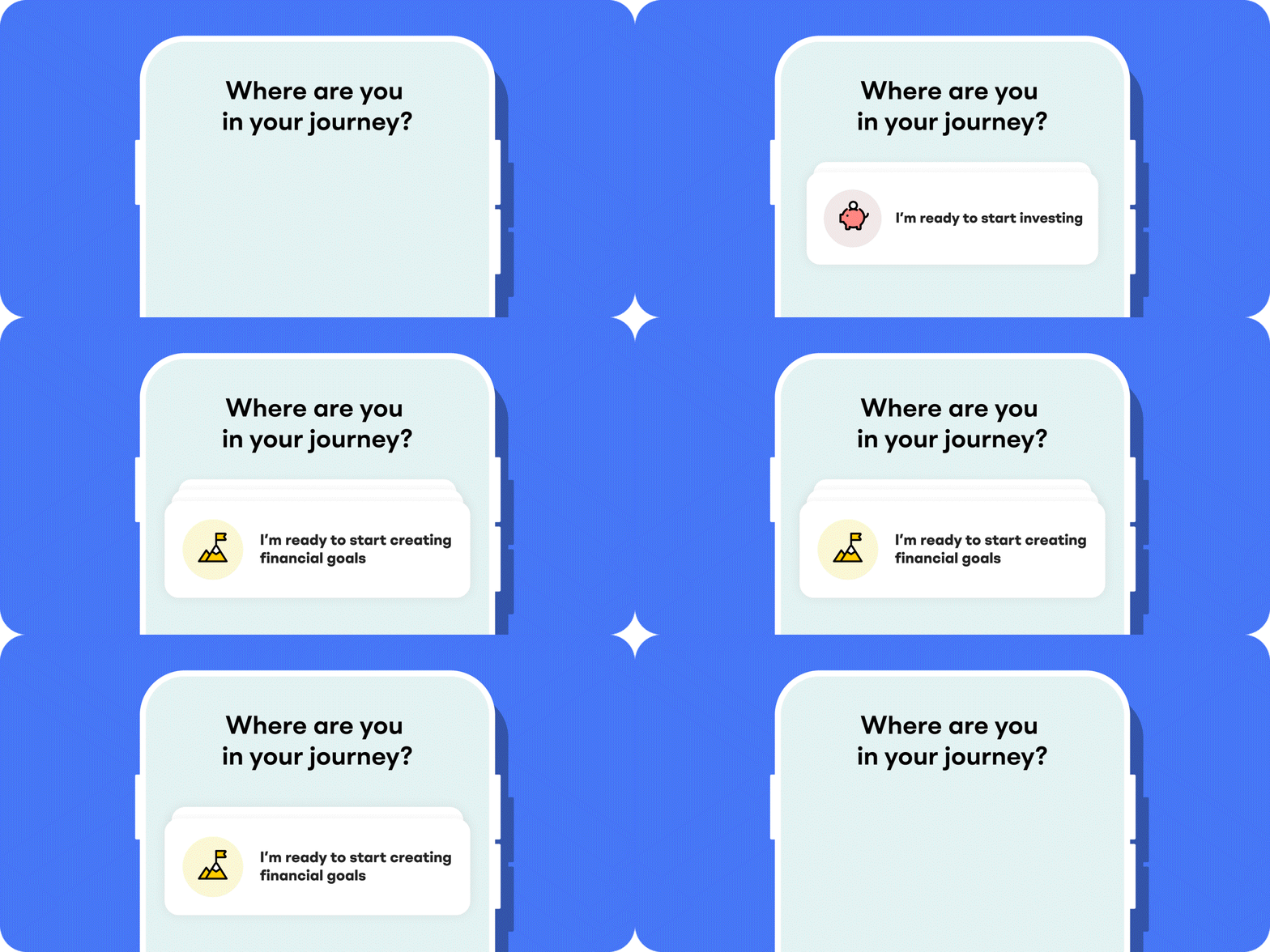
1. Head over to the Investly app and, after you’ve signed up, choose “I’m ready to start investing”
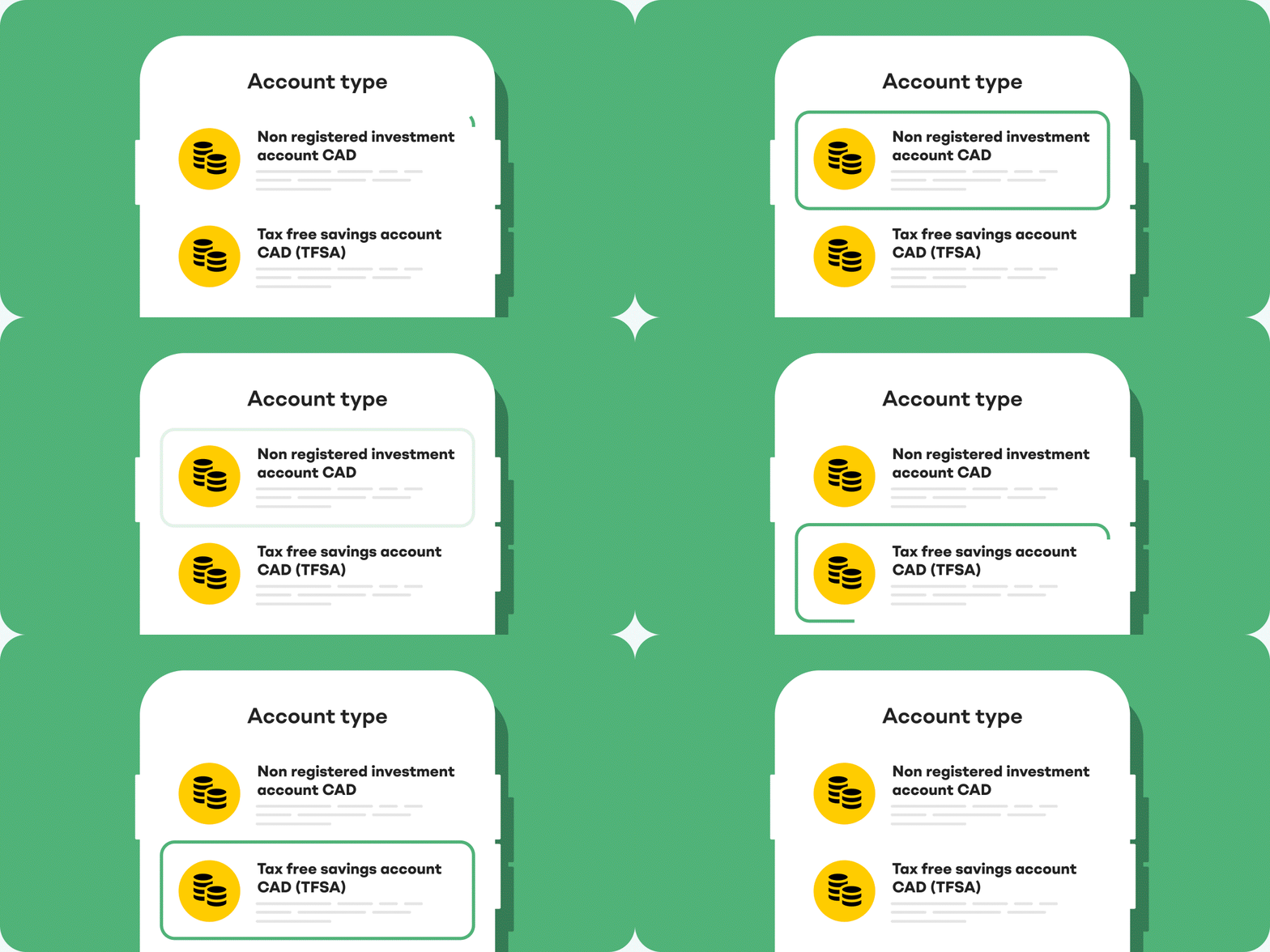
2. Choose a Tax-Free Savings Account, Registered Retirement Savings Plan, First Home Savings Account or a non-registered account to hold your investments.
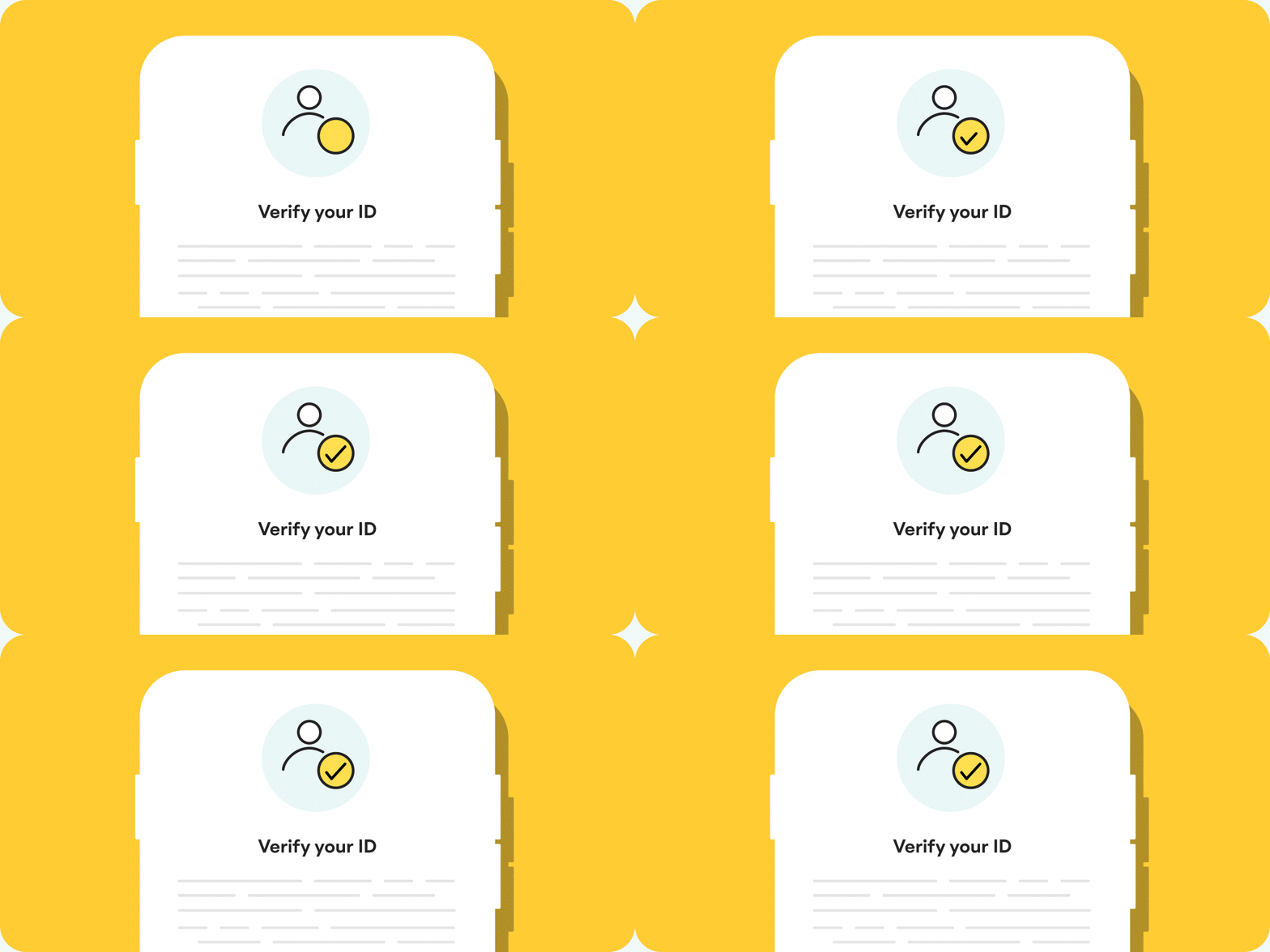
3. Verify your ID. You’ll need to scan your ID (driver’s licence or passport will do the trick) and take a quick selfie. You’ll also need to provide your SIN number.
FAQ
More questions?
Investly supports Tax Free Savings Accounts (TFSAs), Registered Retirement Savings Plans (RRSPs), First Home Savings Accounts (FHSAs) and non-registered accounts.
Yes, you can! As of now, you can open one Tax Free Savings Account (TFSA), one Registered Retirement Savings Plan (RRSP), one First Home Savings Account (FHSA) and up to four non-registered accounts.
With managed accounts, you give someone else (in this case, Investly) authority to make investment decisions for you. We will supervise and direct your investments based on your goals and risk tolerance, so you can relax while we do all the heavy lifting!
With self-directed investment accounts, you take full control of your investments, rather than giving authority to someone else. You pick and choose what you want to invest your money in, like stocks, bonds, ETF, etc., completing the trades on your own.
Content is loading, please wait